Blog / FAQs

Step-By-Step Guide to Android Auto Capabilities in Your Genesis

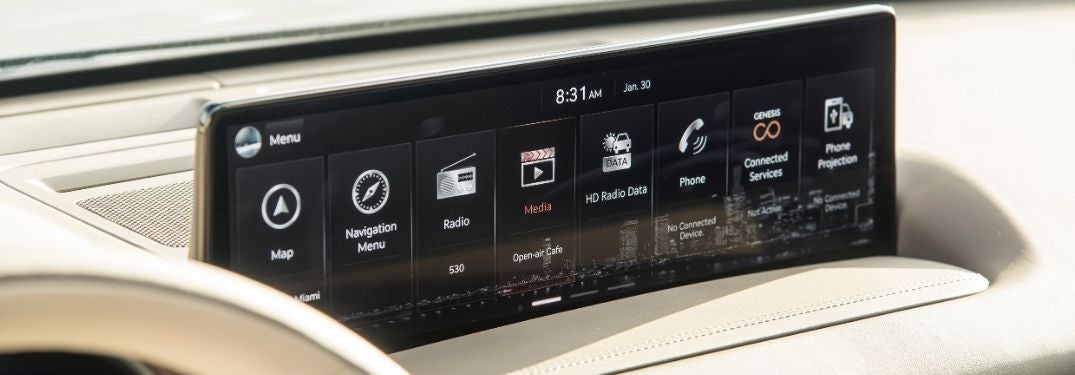
Close Up of 2021 Genesis GV80 Touchscreen Display

How To Set Up and Use Android Auto in Your Genesis  

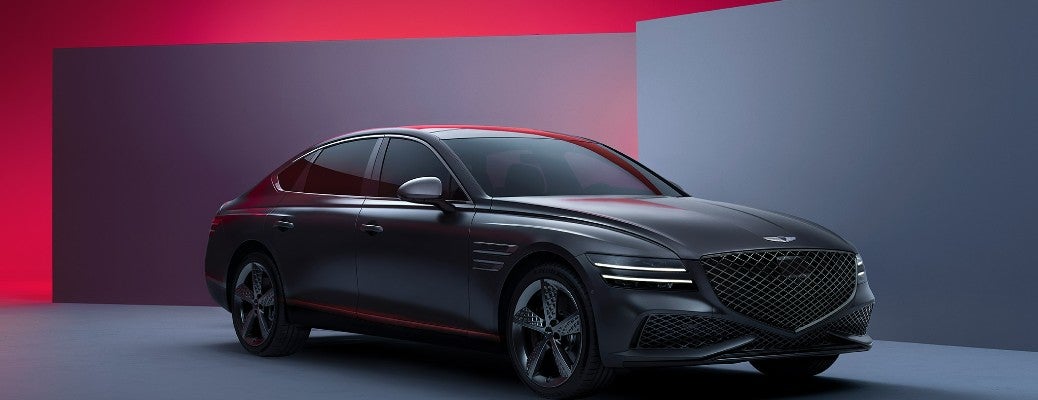
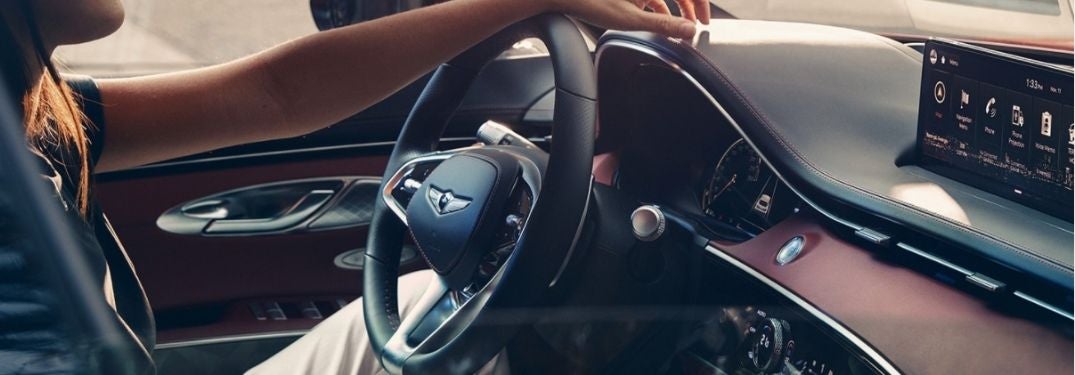
Are you a proud owner of the brand-new 2021 Genesis GV80? Are you still learning the ins and out of your automotive masterpiece? Are you still trying to get Android Auto to work with your smartphone? We are here to help at Earnhardt Genesis of North Scottsdale. Learn how to set up and use Android Auto in your Genesis with this step-by-step guide. Find a Genesis model that will fit your needs today when you visit the Earnhardt Genesis of North Scottsdale inventory! 


READ MORE: How To Set Up and Use Apple CarPlay in Your Genesis 


How-To Guide to Android Auto in Your Genesis 

  1. Plug Your Android Smartphone into the USB Port 
  2. Launch Android Auto on the Genesis Touchscreen Display 
  3. Allow Android Auto to Access Your Contacts, Make Calls, Access Your Location, Send Text Messages, Receive Text Messages and Record Audio 
  4. Access Android Auto Features Via Voice Commands or the Touchscreen Display 
Posted in:

Related Posts

A 2022 Genesis G80

Are Genesis Cars and SUVs Reliable?

At this point, you are aware of how widely regarded Genesis vehicles are when it comes to safety, luxury, and performance. For example, the 2024 Genesis GV80, GV70 and GV60 earned the IIHS Top Safety Pick+ award. But are Genesis cars and SUVs reliable? Read on for more information! more Recognition of Genesis Cars and SUVs Reliability from Trusted Sources View Our 2024 Genesis Inventory! When it comes to automobile knowledge, very few institutions carry the weight that JD Power does. With that in mind, it's important to know that Genesis keeps coming out on top of all kinds of JD Power studies. It took the top spot in initial quality in 2022, it stays in the top rankings for dependability, and it scores well in the APEAL brand index and comes out first in the annual JD Power Tech Experience survey. What this means is that not only do you get the value inherent in safety, luxury, and performance – but you can count on your car to be there for you for a long time. Car and Driver is also a very respected authority in the automotive industry. They gave the GV60, Gv70 and GV80 Editor's Choice awards in 2023. The GV70 and Electrified GV70 are in the Car and Driver 10Best for 2024. The SUV's 3.3L V6 turbo option was timed from 0-60 MPH in just 4.7 seconds. In other words, that level of performance matched with world-class reliability means you can have your cake and eat it, too. What Types of Cars and What Models Does Genesis Make? Whether you are familiar with Genesis or not, it is worth knowing what cars they make. The company currently makes sports sedans and SUVs. There are hybrid models available, with more on the way. The 2024 Genesis lineup includes: G70 – S ports sedan – Starting MSRP $41,500 G80 – Mid-sized sports sedan – Starting MSRP $54,400 EG80 – Electrified G80 – Starting MSRP $74,375 G90 – Full-sized sports sedan – Starting MSRP $89,200 GV60 -- Electric SUV -- Starting MSRP $66,450 GV70 – SUV – Starting MSRP $45,150 EGV70 – Electrified GV70 AWD– Starting MSRP $66,450 GV80 – Full-sized SUV – Starting MSRP - $57,700 Now you know that Genesis cars and SUVs are reliable (plus everything else they have to offer) - you can see that you’re getting a lot of value for your dollar with their vehicles. Read More: The 2022 Genesis GV80 In-Depth The 2022 Genesis Lineup of Cars in North Scottsdale – Quality and Reliability Are Genesis cars and SUVs reliable? Yes, indeed. You can purchase one with confidence. Contact us at Earnhardt Genesis of North Scottsdale for info or a test drive in your new 2022 Genesis.


Woman Driving a 2022 Genesis GV70

Step-By-Step Instructions to Pairing Your Phone with Bluetooth in Your Genesis

How To Connect Your Smartphone to Genesis Bluetooth Bluetooth smartphone integration is valuable technology that will help keep you connected no matter where you go in your 2022 Genesis GV70. Make phone calls or send texts via the Genesis touchscreen multimedia system and enjoy hands-free connectivity no matter where you may be. Use this quick step-by-step guide to learn how to connect your smartphone to Genesis Bluetooth when you get behind the wheel at Earnhardt Genesis of North Scottsdale. Find and test drive a Genesis luxury car or crossover today at the dealership and apply for online credit approval to make your dreams come true! more View Our Brand-New Genesis Model Inventory Contact Earnhardt Genesis of North Scottsdale How-To Guide to Bluetooth Phone Pairing in a Genesis Select Setup on the Genesis Center Console Select Device Connection Select Bluetooth Connections and ADD Select the Bluetooth Connections You Want to Use Select Your Genesis Vehicle on Your Smartphone Bluetooth Menu Accept the Device Pairing and Enter the PIN on Your Smartphone Allow Access to Contacts, Messages and Call History Select Show Notifications READ MORE: How To Create a Digital Key for Your Genesis

Silver 2021 Genesis GV80 Side Exterior Parked Next to Water and Palm Trees

Step-By-Step Instructions to the Genesis Remote Smart Parking Assist Feature

How To Use the Genesis Remote Smart Parking Assist Do you struggle to park your SUV in tight spots? Do you have a difficult time getting in and out of your cramped garage? The Genesis Remote Smart Parking Assist feature will make parking your 2024 Genesis GV80 quick and easy with remote capabilities from inside or outside the vehicle. Learn how to use the Genesis Remote Parking Assist feature with this quick step-by-step how-to guide and video series provided by Earnhardt Genesis of North Scottsdale in the Phoenix and Scottsdale area. more How-To Guide to Genesis Remote Smart Parking Assist from the Inside Press the Parking View Button on the Center Console Follow the Instructions on the Touchscreen Display STOP as Directed and Select the Type of Parking Space Remove Hands from the Steering Wheel Press and Hold the Parking View Button Follow Instructions to Complete Parking How-To Guide to Genesis Remote Smart Parking Assist from the Outside Press the Parking View Button on the Center Console Select the Type of Parking Space EXIT Your Genesis Vehicle Press the Forward or Back Button on the Key Fob Steering and Speed Are Automatic Lock Your Genesis After You Hear the Chime